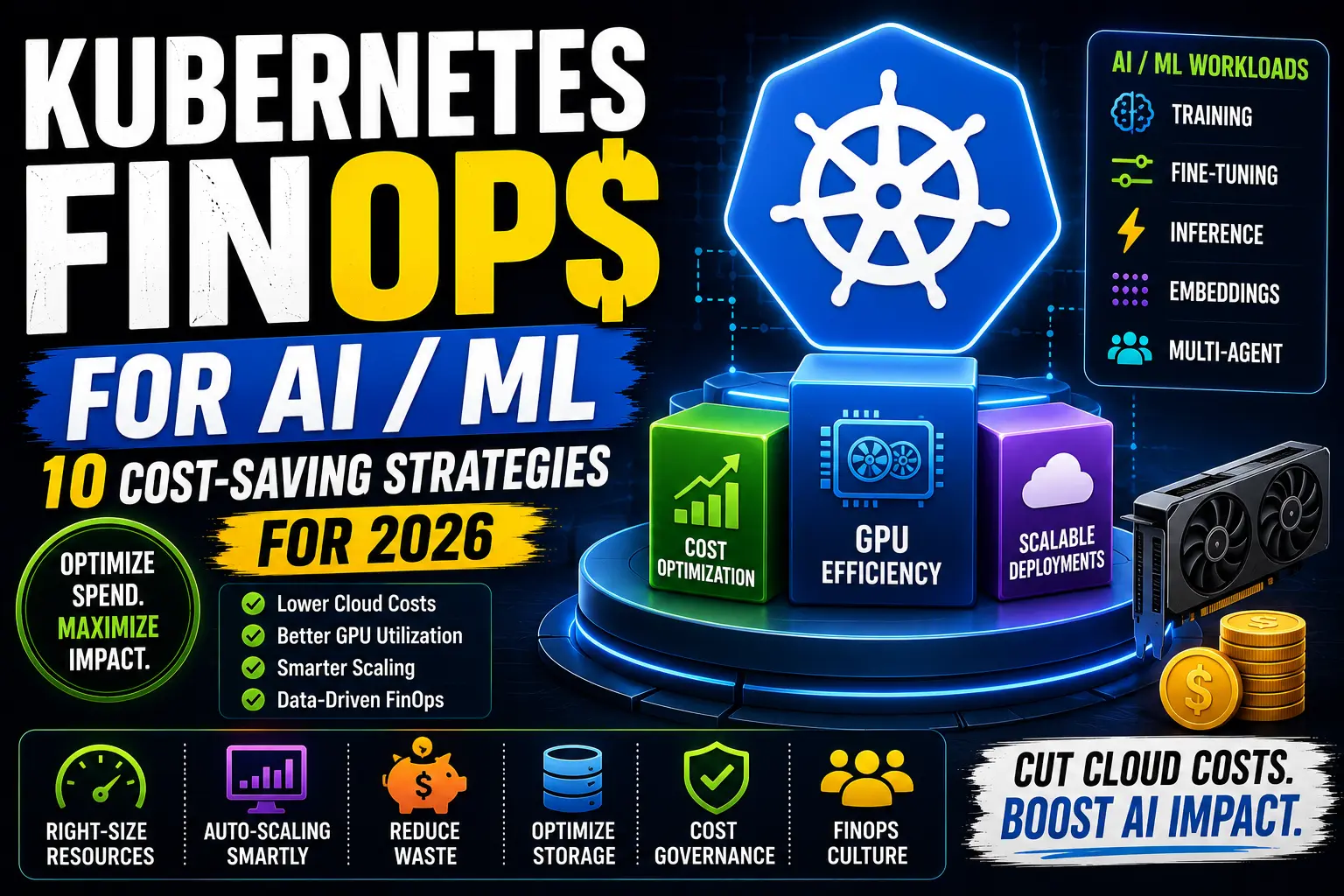
Kubernetes FinOps for AI/ML: 10 Cost-Saving Strategies for 2026
Understanding FinOps for AI/ML on Kubernetes
FinOps for AI/ML workloads involves balancing three critical pillars: resource efficiency, automated cost governance, and incentivized collaboration. Unlike generic Kubernetes cost optimization, AI workloads require specialized approaches due to:
- High hourly accelerator costs ($10–$40/hour for H100/A100)
- Low average GPU utilization (40% typical for training)
- Complex resource requirements, including multi-tenant ML platforms and distributed training
Why GPU Workloads Need a Different Strategy
GPU cost optimization requires distinct considerations:
- GPU Fragmentation: Minimize underutilized fractional GPUs.
- Storage Costs: Manage checkpoint storage; training can use more than 1 TB.
- Network Egress: Data transfer costs can add 10–30% to total spending.
- Inference Latency: Scale-to-zero introduces cold-start penalties.
Workload Cost Comparison Table
| Workload | Typical GPUs | Latency Sensitivity | Main Cost Risk | Optimization |
|---|---|---|---|---|
| Model Training | Multi-GPU (A100/H100) | Low | Idle nodes | Entire nodes |
| Fine-tuning | Single/2-GPU | Medium | Overprovisioning | MIG time-slicing |
| Batch Inference | Multi-core | High | Idle instances | Scale-to-zero |
| Real-time Inference | GPU-heavy | Firm | Queue delays | KEDA + Karpenter |
| Embedding Generation | CPU-only fallback | Thin | Unconscious usage | Usage caps |
Step 1: Establish Accurate Cost Allocation
Key practices:
- Use FinOps Foundation labels for ownership tracking.
- Annotate experiments with project metadata.
- Implement
labels={"costCenter": "finops-demo"}.
Step 2: Measure Correct Utilization Signals
Track these metrics:
-
nvidia_gpu_gpu_utilfrom DCGM Exporter . -
api_requests_queuedfrom the Kubernetes Horizontal Pod Autoscaler. finops_gpu_efficiencyfrom OpenCost.
Step 3: Right-Size Resource Requests
Use historical data to set:
- CPU limits: 30–50% of node capacity.
- GPU limits: Match actual need, such as 1, 2, or 4 GPUs per node.
Sample calculation:
$88/hr × 8 GPUs × 0.3 utilization = $21.12/hr effective costStep 4: Reduce GPU Fragmentation
Compare sharing strategies:
| Strategy | Utilization | Isolation | Performance |
|---|---|---|---|
| Entire node | 50% | Full | 100% predictable |
| MIG slices | 25–35% | Partial | 95% predictable |
Step 5: Optimal Scaling Strategies
Choose scalers based on workloads:
- Training: Karpenter GPU reservations.
- Inference: KEDA + CPU-based scaling.
Step 6: Cloud Pricing Models
2026 GPU pricing comparison:
| Instance | On-Demand | Spot | Best Use |
|---|---|---|---|
| AWS p5.48xlarge | $98/hr | $29.50/hr | Interruptible batch |
Step 7: Interruptible Training Workflow
-
Implement checkpointing:
nvidia/kubectl-if-checkpoint. -
Use Kubernetes CronJobs with tolerations:
tolerations:
  - key: "spot"
    operator: "Exists"
    effect: "NoSchedule"
Step 8: Inference Cost Tactics
Implement:
- Model quantization (8-bit is now mainstream).
- Dynamic batching with NVIDIA Triton.
- Cache frequently used models.
Step 9: Kill Development Notebooks
Automate shutdowns using:
- Idle-time Kubernetes lifecycle hooks.
- Terraform-based GPU resource cleanup.
Step 10: Optimize Storage Costs
Reduce storage egress with:
- Delta training: Lightning Corefinier .
- SSD vs. NVMe: Use spot instances with NVMe pricing windows.
Common FinOps Mistakes
- Tracking CPU utilization alone.
- Ignoring GPU memory fragmentation.
- Overlooking transfer costs.
Kubernetes FinOps Checklist
- ☑️ Use ResourceQuotas .
- ☑️ Monitor with Kubecost OpenCost .
- ☑️ Implement whitelisted YAML templates .
Example Cost Calculation
Batch inference workload:
$6.59/hr (AWS p4d.24xlarge spot) × 120 hrs/mo = $790.80/mo
× 0.3 utilization = $237/mo effective cost
Smarter Purchasing Strategies
| Purchase Type | Commitment | Interruption Risk | Best For |
|---|---|---|---|
| Reserved | 1–3 years | Low | Stable production |
| Spot | No | Medium | Batch processing |
When Kubernetes Isn't Cheapest
Consider alternatives such as:
Frequently Asked Questions
- How do I calculate GPU cost per workload? Use Kubecost metrics to track GPU-hours per task.
- Can Kubernetes share GPUs? Yes, through Multi-Instance GPU .
References
- Kubernetes Documentation
- FinOps Foundation
- OpenCost
- NVIDIA DCGM Exporter
- Original sources for pricing tables and FinOps references, as cited.
Comments
0 comments
No comments yet
Start the discussion with a thoughtful note.