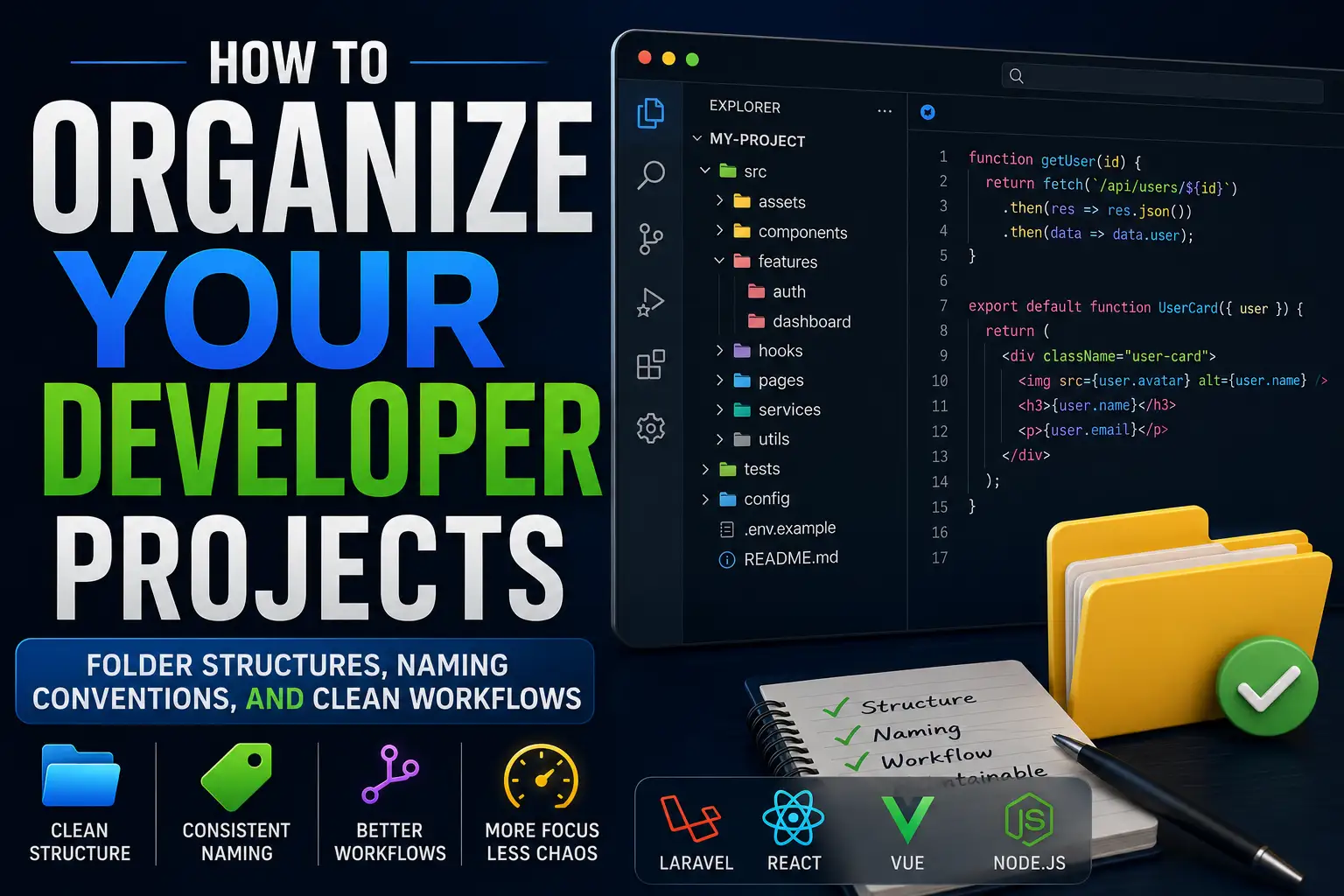
How to Organize Your Developer Projects: Folder Structures, Naming Conventions, and Clean Workflows
A messy codebase doesn't happen overnight. It starts with one shortcut — a file dropped in the wrong folder, an environment variable pasted into source code, a branch named test2-final-FINAL. Six months later that shortcut has compounded into something nobody wants to touch. The solution isn't a strict set of rules everyone resents — it's a lightweight set of principles that make the right choice easier than the wrong one. This guide covers those principles, with practical folder structures, naming conventions, and daily habits for Laravel, React, Vue, and Node.js projects.
Why Project Organization Actually Matters
Organization is infrastructure — you don't notice good infrastructure, you notice bad infrastructure the moment something breaks and you can't find where to fix it. Research across professional engineering teams consistently shows that developers spend more time reading code than writing it, meaning the cost of poor organization isn't paid once at creation but on every future edit, debug session, and onboarding call. A well-organized project reduces cognitive load, speeds up debugging, and turns a solo codebase into one a team can share without a two-hour walkthrough every time someone new joins.
Common Mistakes Developers Make
Before covering what works, it's worth naming what consistently doesn't:
- Flat folder structures — dumping every file in one directory until it becomes impossible to navigate
- Mixing concerns — keeping database queries, business logic, and UI rendering in the same file
- Inconsistent naming — some files in PascalCase, others in snake_case, others in whatever seemed right that afternoon
- No environment separation — hardcoding credentials or using the same config file for development and production
- Undocumented structure — a folder layout that makes sense to its creator and nobody else
- Feature code scattered across the project — everything related to authentication living in ten different folders
Common Mistake: Creating a utils or helpers folder and letting it grow into a graveyard of unrelated functions nobody dares to delete.
Recommended Folder Structures by Stack
Laravel Projects
Laravel's MVC convention gives you a strong starting point, but real-world projects need more granularity than the default scaffold. Grouping code by domain or feature rather than purely by type scales better as the application grows.
app/
├── Console/
├── Exceptions/
├── Http/
│   ├── Controllers/
│   │   ├── Auth/
│   │   ├── Admin/
│   │   └── Api/
│   ├── Middleware/
│   └── Requests/
├── Models/
├── Services/
├── Repositories/
├── Events/
├── Listeners/
└── Policies/
config/
database/
│   ├── migrations/
│   ├── seeders/
│   └── factories/
resources/
│   ├── views/
│   └── lang/
routes/
│   ├── web.php
│   ├── api.php
│   └── console.php
tests/
│   ├── Feature/
│   └── Unit/
.env.example
Best Practice: Keep a Services layer that contains business logic and a Repositories layer that handles database access, so controllers stay thin and readable.
React Projects
React gives you no enforced structure, which is both its strength and its trap. Feature-based organization scales far better than layer-based as projects grow.
src/
├── assets/
│   ├── images/
│   └── fonts/
├── components/
│   ├── ui/        ← reusable, stateless presentational components
│   └── layout/
├── features/
│   ├── auth/
│   │   ├── components/
│   │   ├── hooks/
│   │   ├── api.js
│   │   └── index.js
│   └── dashboard/
├── hooks/         ← shared custom hooks
├── lib/           ← third-party library setup
├── pages/         ← route-level components
├── services/      ← API calls
├── store/         ← global state (Redux, Zustand, etc.)
├── styles/
└── utils/
Vue.js Projects
Vue projects built with the Composition API benefit from organizing by feature rather than by component type alone, mirroring the same principle as React.
src/
├── assets/
├── components/
│   └── base/      ← BaseButton, BaseInput, etc.
├── composables/   ← shared Composition API logic
├── layouts/
├── pages/ (or views/)
├── router/
├── services/
├── stores/        ← Pinia stores
└── utils/
Best Practice: Prefix reusable base components with Base (e.g., BaseModal.vue) to distinguish them from feature-specific components at a glance.
Node.js and Express Projects
src/
├── config/
├── controllers/
├── middlewares/
├── models/
├── routes/
├── services/
├── utils/
└── app.js
tests/
.env.example
Dockerfile
docker-compose.yml
Naming Conventions That Teams Can Actually Follow
Inconsistent naming is one of the quietest productivity killers in a codebase. Agreeing on a convention costs nothing to implement with a linter but pays dividends on every future search, import, and code review.
| Item | Convention | Example |
|---|---|---|
| React components | PascalCase | UserProfile.jsx |
| Vue components | PascalCase | ProductCard.vue |
| JavaScript utilities | camelCase | formatDate.js |
| PHP classes | PascalCase | OrderService.php |
| Database tables | snake_case, plural | order_items |
| API endpoints | kebab-case, plural nouns | /api/order-items |
| Environment variables | SCREAMING_SNAKE_CASE | DATABASE_URL |
| CSS/Tailwind files | kebab-case | main-layout.css |
| Folders | kebab-case or camelCase (consistent) | user-auth/ |
Expert Recommendation: Enforce these conventions automatically with ESLint and Prettier so they apply without relying on developer memory or code review comments.
Good vs. Bad: Structure and Naming Comparisons
| Scenario | Bad Practice | Good Practice |
|---|---|---|
| Folder naming | Components2/, myStuff/ | features/auth/, components/ui/ |
| File naming | page1.js, FINAL_v3.php | DashboardPage.jsx, OrderController.php |
| Environment variables | Hardcoded in source: const key = "sk-live-xyz" | process.env.STRIPE_SECRET_KEY |
| API naming | /getUsers, /deleteUser?id=1 | GET /users, DELETE /users/1 |
| Business logic location | Inside a controller or Vue component | Inside a dedicated Service class or composable |
Feature-Based vs. Layer-Based Architecture
| Aspect | Layer-Based (by type) | Feature-Based (by domain) |
|---|---|---|
| Structure | components/, pages/, services/ | features/auth/, features/billing/ |
| Best for | Small apps, prototypes | Medium to large apps, SaaS, open-source |
| Co-location | Related code is spread across folders | Related code lives together |
| Scaling | Gets harder as features grow | Stays manageable as features grow |
| Discoverability | Requires knowing the layer structure | Intuitive — find a feature, find all its code |
Monorepo vs. Multiple Repositories
| Factor | Monorepo | Multiple Repos |
|---|---|---|
| Shared code | Easy to share utilities and types | Requires publishing packages |
| Cross-project changes | Atomic commits across projects | Multiple PRs, version pinning |
| CI/CD complexity | Higher initial setup cost | Simpler per-project pipelines |
| Best for | Full-stack apps, design systems, teams | Independent microservices, separate teams |
| Tools | Turborepo, Nx, pnpm workspaces | Standard Git, npm, Composer |
Separating Business Logic from UI
One of the most valuable habits in any framework is keeping business logic out of your UI layer. In a React or Vue component, the render function should answer one question: what does this look like? It shouldn't answer how do we calculate this? or which API endpoint do we call?
In practice, this means extracting logic into custom React hooks, Vue composables, Laravel service classes, or Node.js service modules. An authentication flow, for example, belongs in an authService.js or AuthService.php — not scattered across three components and a controller. When that logic lives in one place, you fix it in one place and test it in one place.
Key Principle: If your component is hard to test, it's usually because it's doing too much. Extract the logic until the component is easy to test and the extracted code is easy to reuse.
Organizing Configuration Files
Configuration files belong at the project root and should follow consistent, recognizable conventions.
.env— local environment variables, never committed to Git.env.example— a committed template showing which variables are needed, with no real values.eslintrc.jsonoreslint.config.js— linting rules.prettierrc— formatting rules.editorconfig— cross-editor formatting baselinetsconfig.json— TypeScript settingsdocker-compose.yml— container orchestrationMakefileorjustfile— common command shortcuts
Best Practice: Add a README.md to any folder whose purpose isn't immediately obvious. A two-line explanation prevents ten minutes of confusion for the next developer.
Managing Assets, Static Files, and Uploads
Static assets should live in clearly named, predictable locations. In a Laravel project, user uploads belong in storage/app/public — not in public/ directly, which should contain only framework-generated output. In a React or Vue project, assets that don't need processing (like favicons and web manifests) go in public/, while assets imported by JavaScript (images used in components, fonts) go in src/assets/.
A consistent rule of thumb: if a build tool needs to know about it, it goes in src/assets. If the browser fetches it directly without going through the build system, it goes in public/.
Git Branch Strategy
Good Git discipline turns a chaotic history into a readable, searchable audit trail. Most professional teams use a variation of Git Flow or Trunk-Based Development depending on their release cadence.
main— always production-ready, protecteddevelop— integration branch for completed featuresfeature/short-description— one branch per feature or ticketfix/short-description— bug fixesrelease/version— staging and pre-release preparation
Branch names should be lowercase and kebab-case: feature/user-authentication, not Feature_Auth_NEW. Keep branch lifetimes short — a branch that lives for three weeks becomes a merge conflict nightmare. Open a pull request early and keep conversations in the PR, not in chat.
Best Practice: Use commit message conventions like Conventional Commits (feat:, fix:, docs:, chore:) so your changelog can be generated automatically.
Organizing Environment Variables Securely
Environment variables are one of the most commonly mishandled parts of a project. Three rules cover the majority of real-world security incidents in this area:
- Never commit
.envto version control. Add it to.gitignoreon the very first commit, before any credentials have been added. - Always commit
.env.example. This tells every developer and every deployment system which variables the project needs, without revealing their values. - Use a secrets manager in production. AWS Secrets Manager, HashiCorp Vault, Laravel Forge's environment panel, and similar tools store production credentials outside flat files entirely.
Important Note: Group related variables together with clear comments inside .env.example so new contributors can understand the purpose of each variable without reading the source code.
Documentation Best Practices
Documentation doesn't mean a formal wiki. A good README.md at the project root that answers three questions — what does this project do, how do I run it locally, and where do I find the key parts — handles the majority of onboarding questions. Beyond the README, document at the point of complexity: inline comments should explain why a decision was made, not what the code does. Complex architecture decisions belong in docs/ as Architecture Decision Records (ADRs), a format popularized by teams at firms like ThoughtWorks and widely adopted in open-source projects.
Recommended Developer Tools for Project Organization
| Tool | Purpose | When to Use |
|---|---|---|
| ESLint | JavaScript/TypeScript linting | Every JS/TS project from day one |
| Prettier | Code formatting | Any project with more than one developer |
| Husky | Git hooks (run lint/tests before commit) | Teams that want to enforce standards automatically |
| EditorConfig | Cross-editor formatting baseline | Mixed editor teams |
| Docker | Reproducible development environments | Any project with system-level dependencies |
| pnpm | Fast, disk-efficient package management | Node.js projects, especially monorepos |
| Composer | PHP dependency management | All Laravel and PHP projects |
| VS Code Profiles | Per-project extension sets | Developers working across multiple stacks |
| GitHub Actions | CI/CD automation | Any project deploying to production |
Daily Habits That Keep Projects Clean
Organizational principles only work when maintained daily, not just at setup and then forgotten.
- Before adding a new file, check whether the right folder already exists. One extra second prevents a misplaced file that stays wrong for months.
- Delete dead code immediately. Git history preserves everything you remove — leaving it commented-out in the codebase just creates noise.
- Keep pull requests small and focused. A 1,000-line PR touching 30 files across four layers is hard to review meaningfully and easy to merge blindly.
- Run linting and formatting on every save with VS Code's format-on-save and Prettier configured at the project level.
- Update
.env.examplethe moment a new variable is added — don't leave it for later.
Pro Tip: A Husky pre-commit hook that runs ESLint and tests automatically catches problems before they enter the repository, not after a CI failure blocks the whole team.
Frequently Asked Questions
Should I use feature-based or layer-based folder structure?
For prototypes and small apps, layer-based (grouping by type: components/, services/, pages/) is simpler to start with. For anything expected to grow beyond a few features, switch to feature-based organization early — it's far easier to reorganize at week two than at month six.
How do I keep a team from breaking the folder structure?
Document the structure in the README, enforce naming conventions with ESLint plugins, and include a brief section on structure in your contribution guide. Code review is the last line of defense, not the first.
Is there an "official" folder structure for React or Vue?
Neither React nor Vue prescribes a specific folder structure. The React and Vue documentation intentionally leave this to teams. The structures recommended in this guide reflect patterns widely used in professional and open-source projects, not any single official standard.
What's the best way to handle shared code between a frontend and backend in the same repo?
A monorepo approach using pnpm workspaces or Turborepo is the most maintainable pattern. Shared TypeScript types, validation schemas (Zod, for example), and utility functions can live in a shared packages/ folder imported by both apps.
How much documentation is enough?
A useful minimum: a README that gets a new developer running locally in under ten minutes, inline comments on non-obvious logic, and a brief architecture note for any significant design decision. Everything beyond that is valuable but optional, depending on team size and project complexity.
Final Verdict
Project organization is an ongoing discipline, not a one-time setup step. A well-organized project is faster to debug, safer to extend, and more welcoming to new contributors. The specific structure matters less than consistency: a team that agrees on conventions and enforces them automatically will always outperform one with a theoretically perfect structure nobody follows.
Start with the folder structure that matches your stack. Add ESLint, Prettier, and a .env.example on day one. Write the README before you forget what the project does. Then make the small daily choices that prevent the mess from accumulating.
Key Takeaways
- Feature-based folder structures scale better than layer-based ones for any project expected to grow beyond a few screens or endpoints.
- Naming conventions matter most when a team shares a codebase — enforce them with ESLint and Prettier, not willpower.
- Business logic belongs in service classes and composables, not in controllers or UI components, regardless of framework.
- Never commit
.env— always commit.env.example. - Short-lived branches, small pull requests, and Conventional Commits turn Git history into a useful audit trail instead of a noise log.
- Husky pre-commit hooks enforce standards automatically, removing the reliance on manual code review for formatting and lint violations.
- The best documentation answers the three questions every new developer has: what is this, how do I run it, and where do I find the important parts?
References
- Laravel – Official Documentation
- React – Official Documentation
- Vue.js – Official Guide
- Node.js – Official Documentation
- Git – Official Documentation
- Visual Studio Code – Official Documentation (Microsoft)
- ESLint – Official Documentation
- Prettier – Official Documentation
- GitHub – Official Documentation
- Husky – Official Documentation
- EditorConfig – Official Site
- pnpm Workspaces – Official Documentation
- Turborepo – Official Documentation
- Conventional Commits – Official Specification
- Architecture Decision Records (ADR) – adr.github.io
Comments
0 comments
No comments yet
Start the discussion with a thoughtful note.